


Description
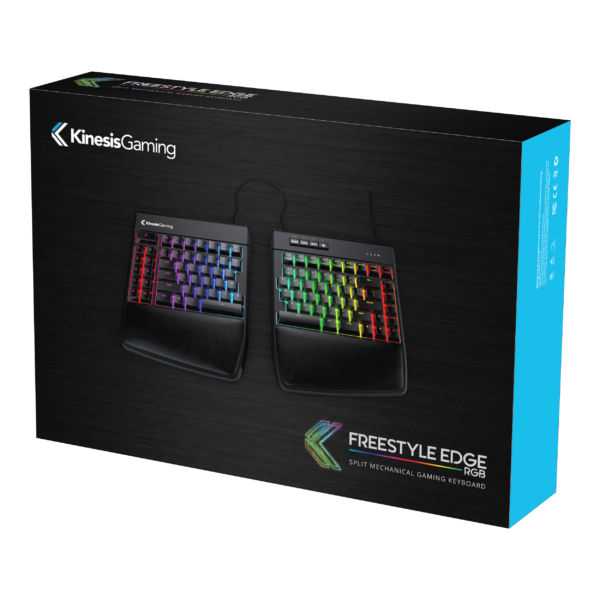
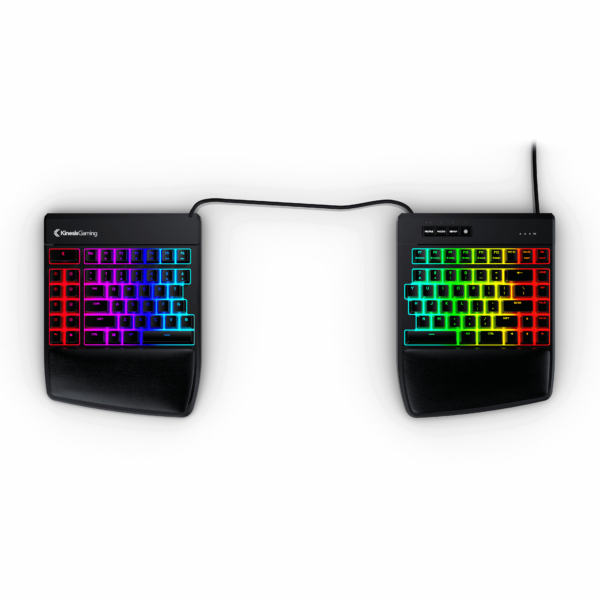
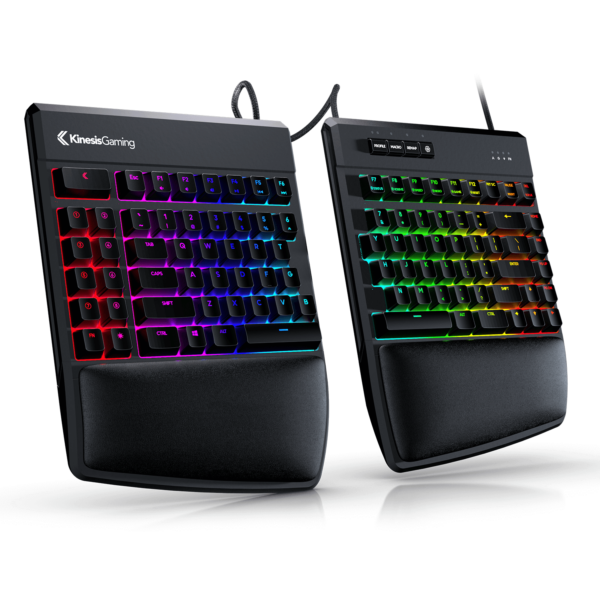
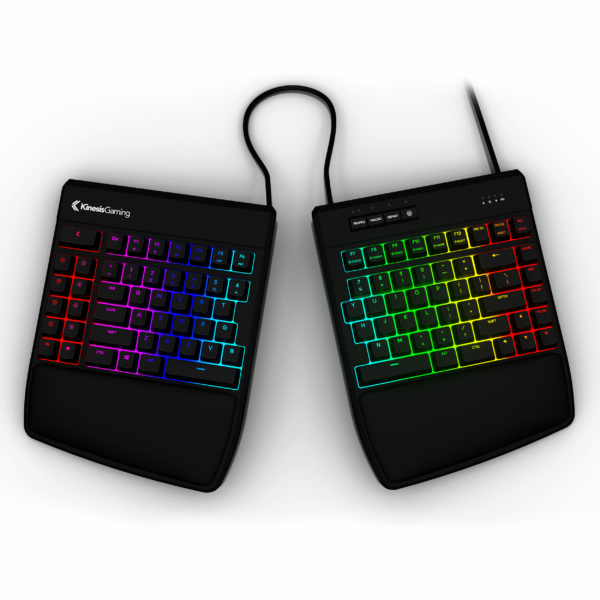
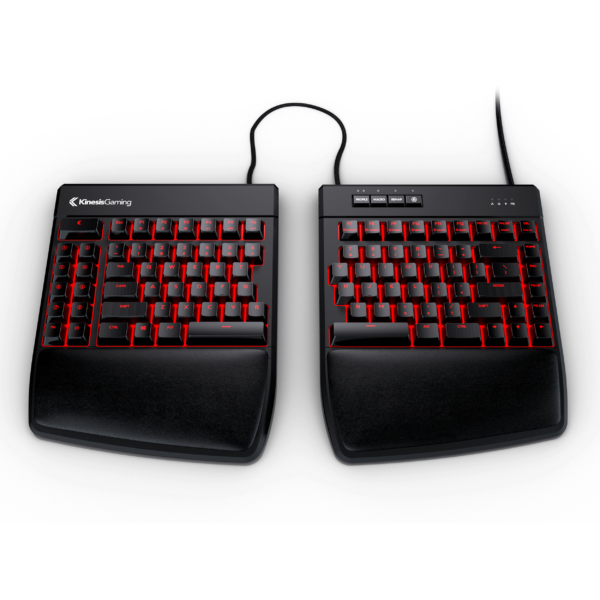
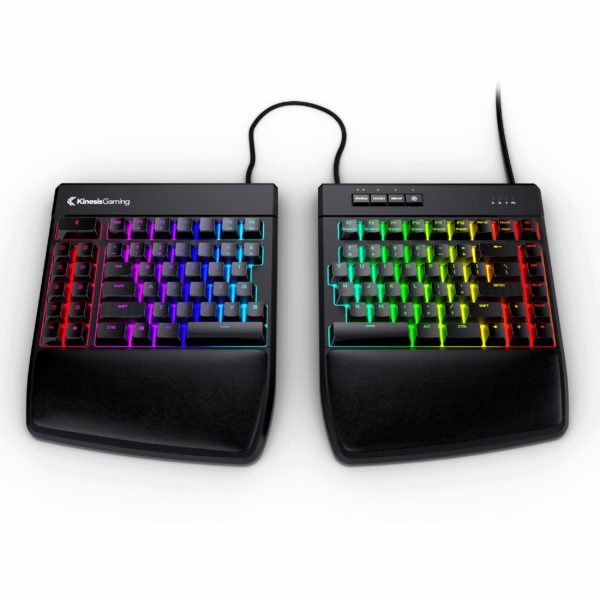
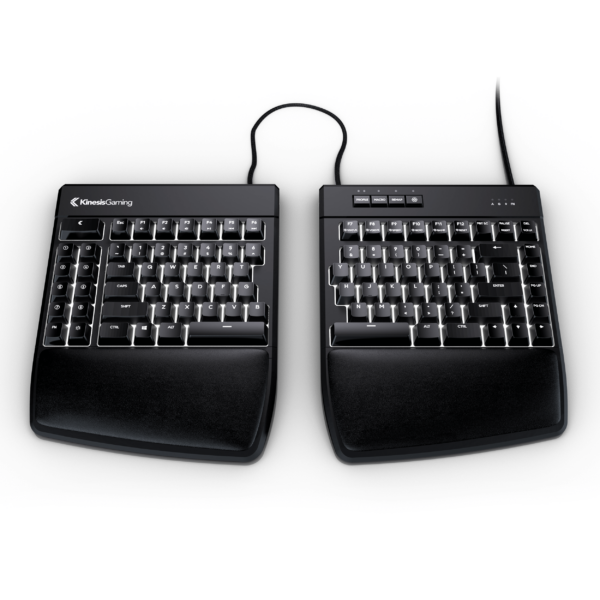
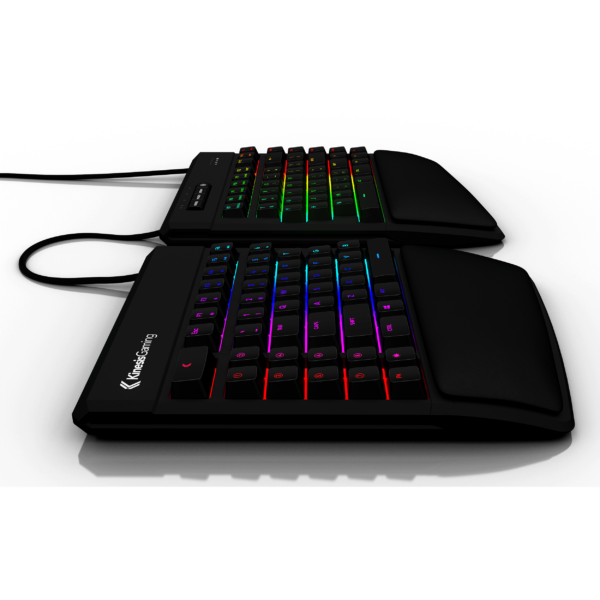
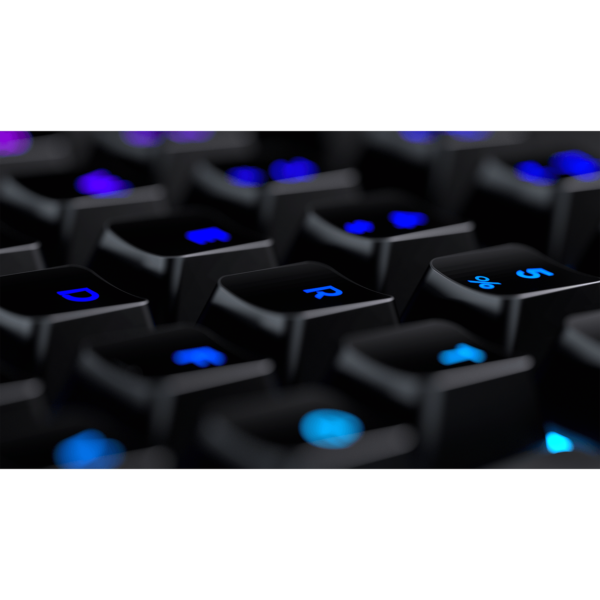
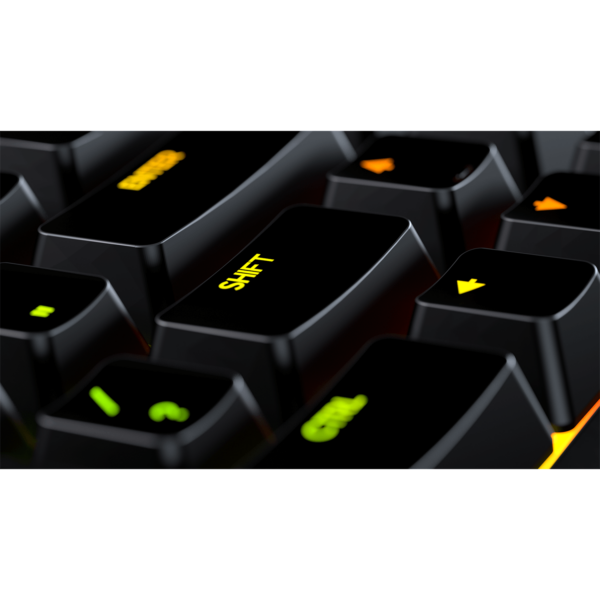
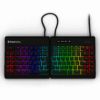
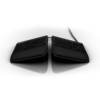
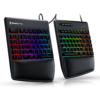
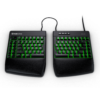
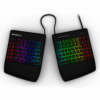
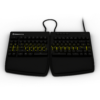
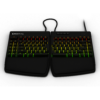
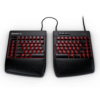
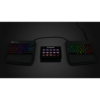
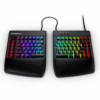
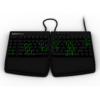
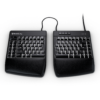
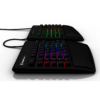
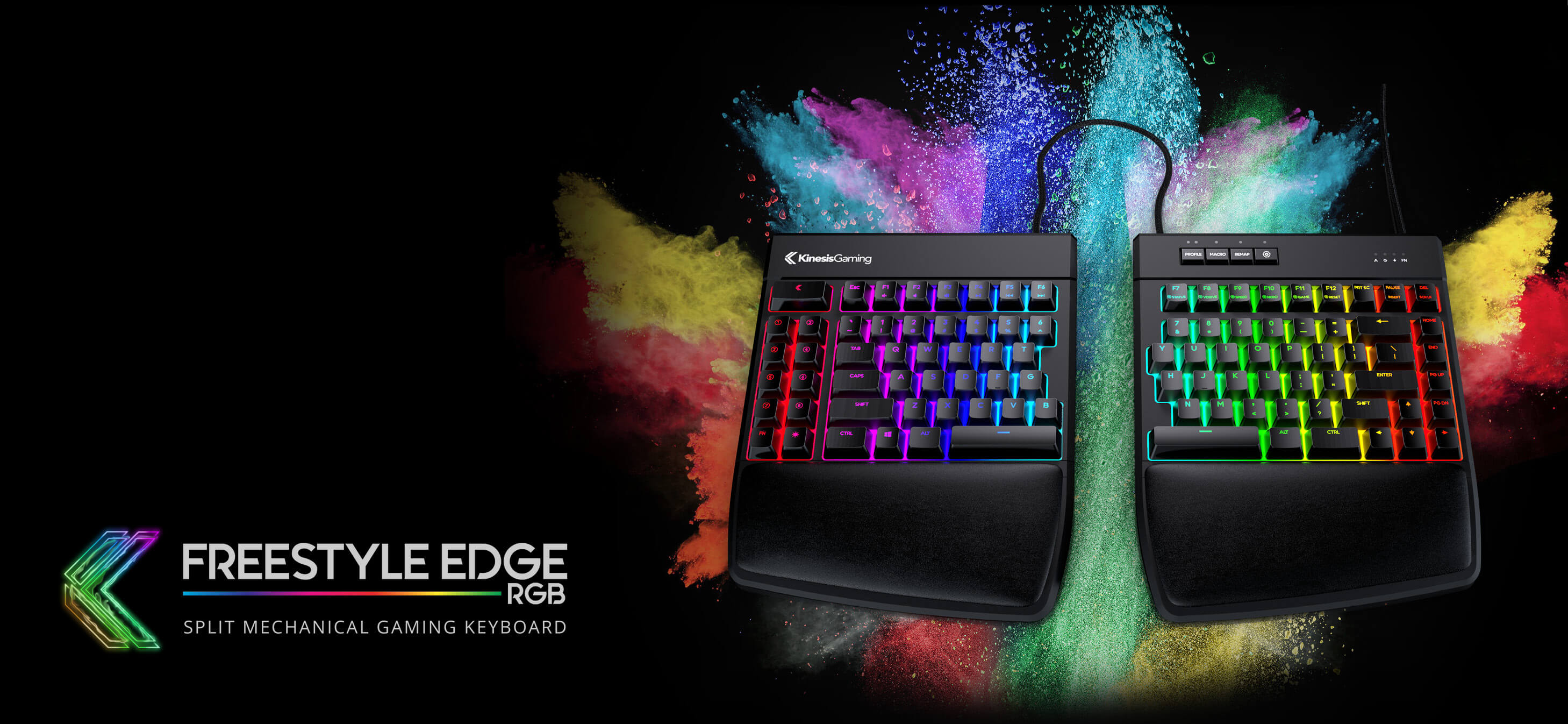
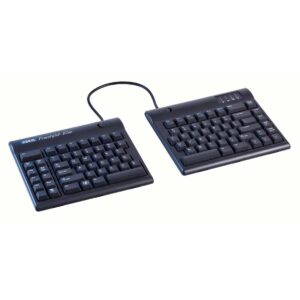
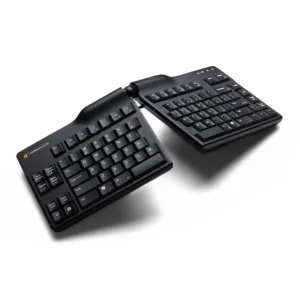
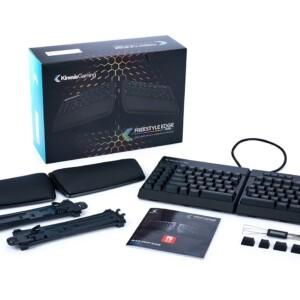
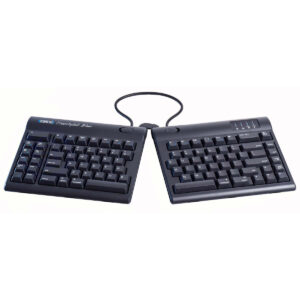
The Freestyle Edge RGB is the first split mechanical keyboard designed specifically for gaming. It was engineered with input from serious gamers to meet the strictest standards for quality and design. An adjustable 20” braided cable links the key modules to give you unparalleled freedom to customize your rig.
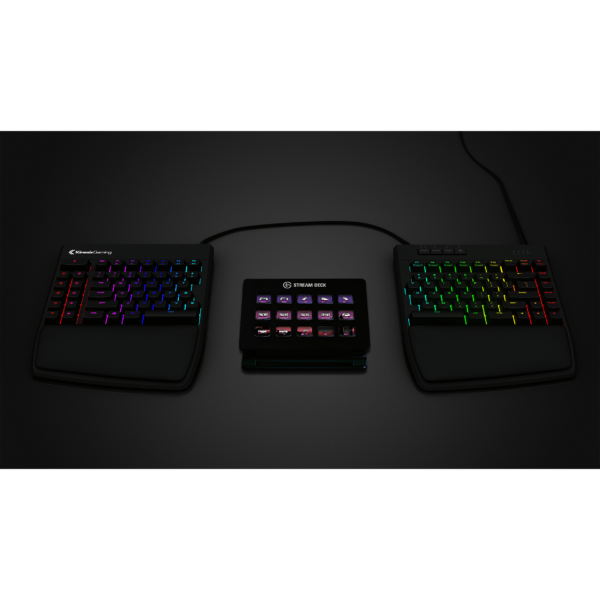
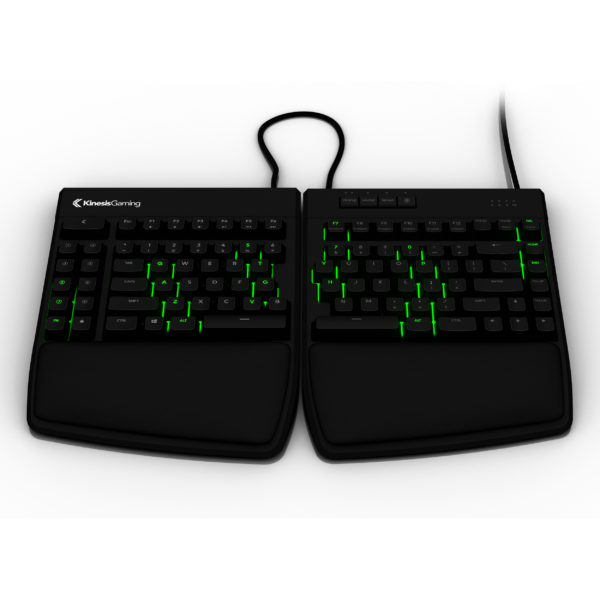
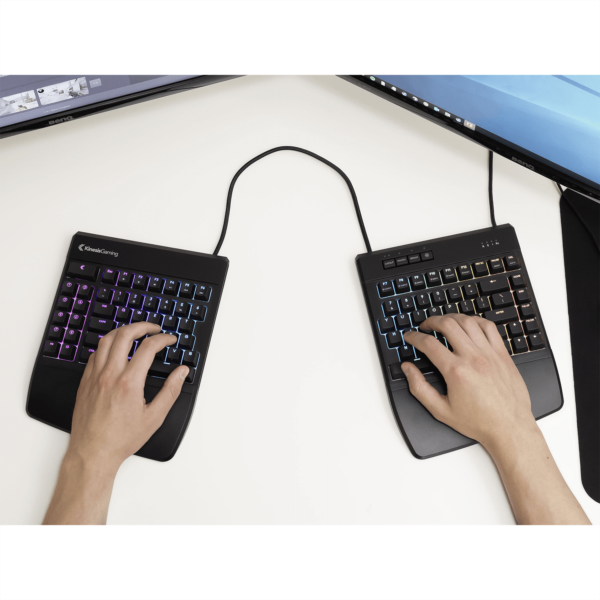
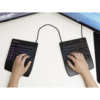
Move the right module out of the way for one-handed FPS play or split the modules apart place your HOTAS or stream mic between the two halves for incredible convenience. For maximum typing comfort, simply split the two modules to shoulder-width and angle them slightly to achieve a neutral wrist angle. There is no wrong way to set up the Freestyle Edge, just dial in your favorite configuration for the ultimate desktop freedom.
COMFORT. CONTROL. PERFORMANCE.
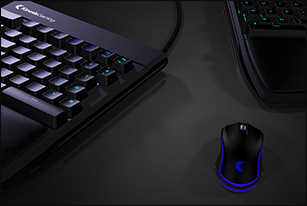
One-Handed
Bring your mouse in tight for maximum precision and control in low DPI shooters
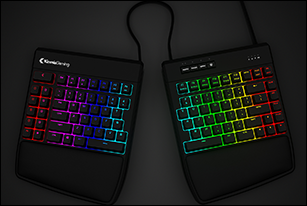
Free Rotation
Rotate either module for perfect key coverage or to squeeze into a tight space at LAN
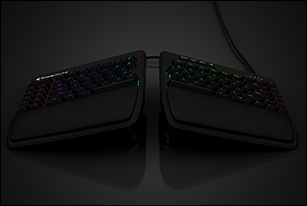
Tenting
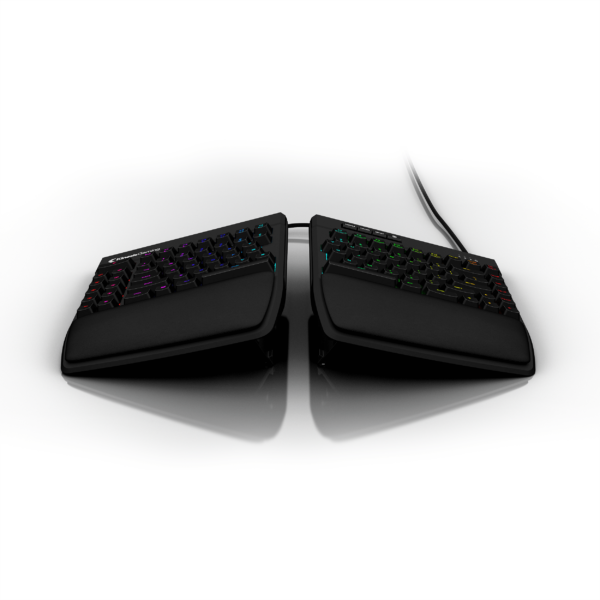
Remove strain on your forearms to boost endurance and outlast the competition
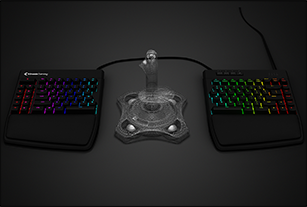
XL Split
Separate the modules up to 20″ to accomodate your HOTAS, mic, or stream deck
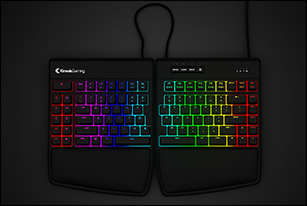
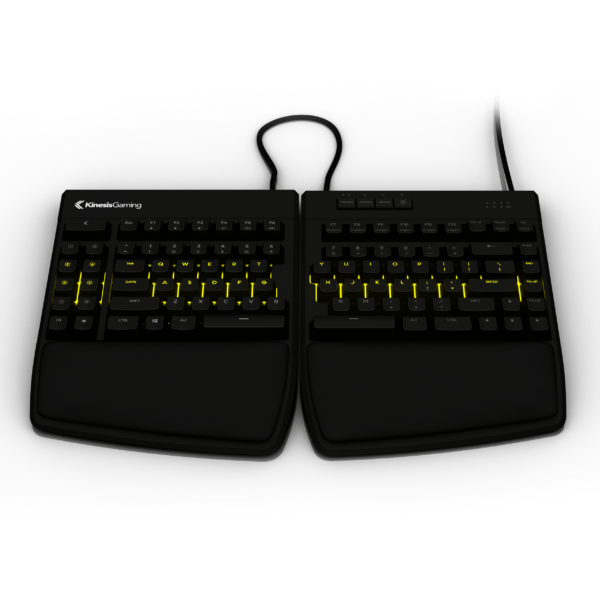
Conventional
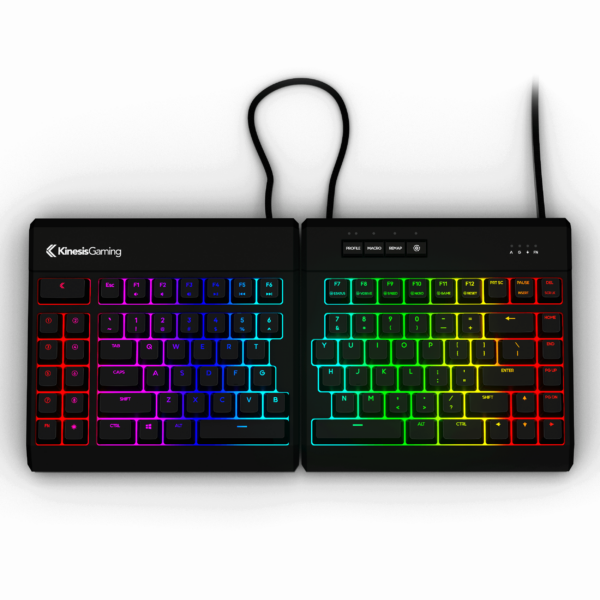
Push the key modules together for a standard layout and classic typing experience
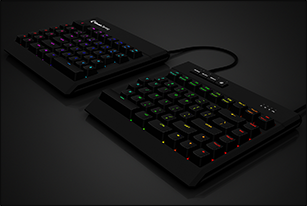
Compact TKL
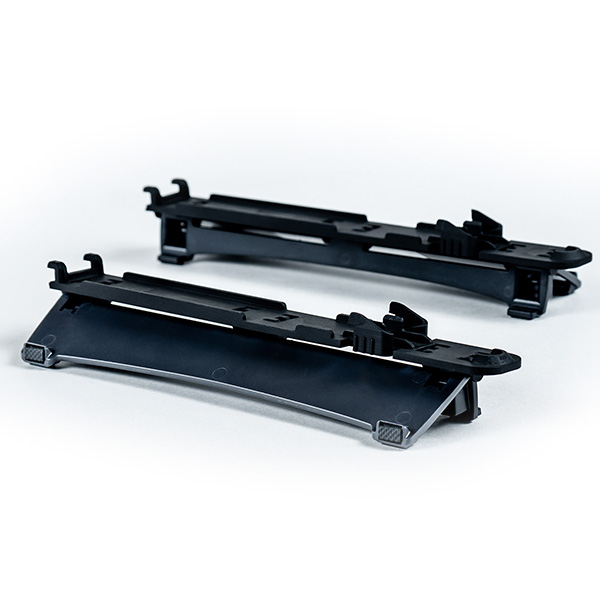
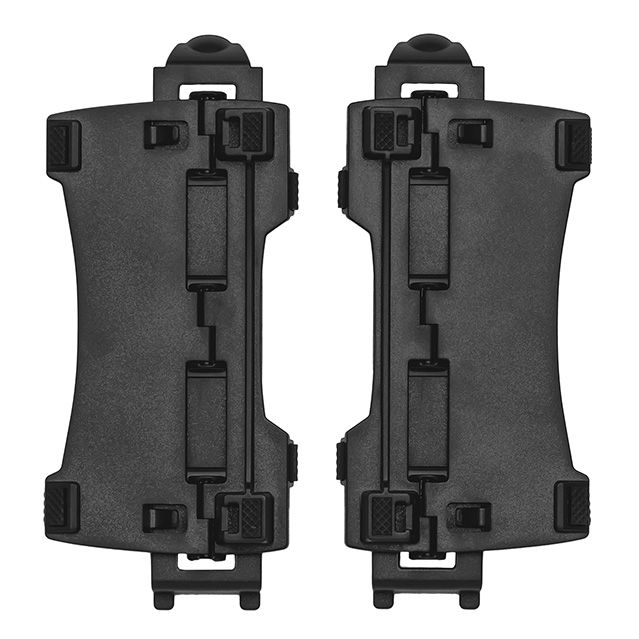
Remove the detachable palm supports for maximum versatility and desk space
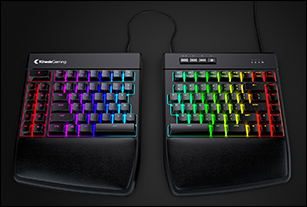
Ergonomic
Separate the modules to shoulder width for an ergonomic typing experience
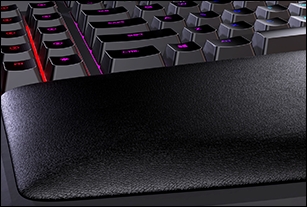
Palm Supports
New thick cushioned pads with quick glide surface and moisture resistance
RGB SmartSet App
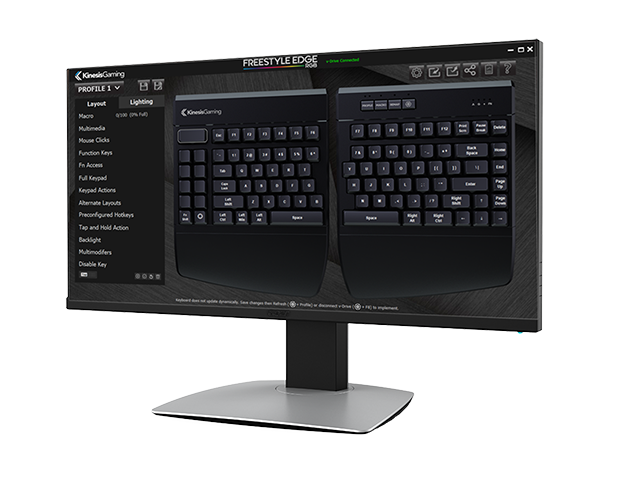
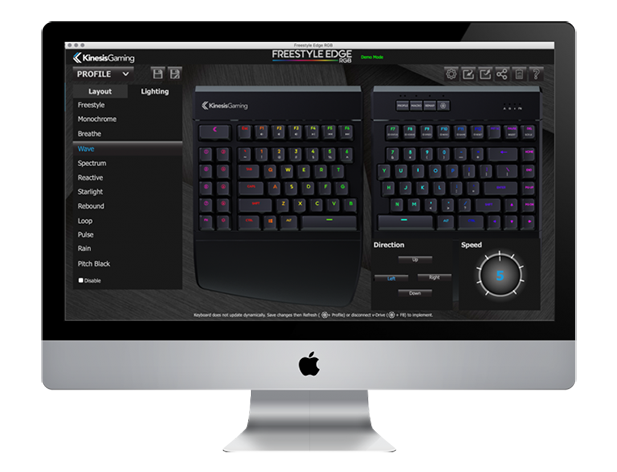
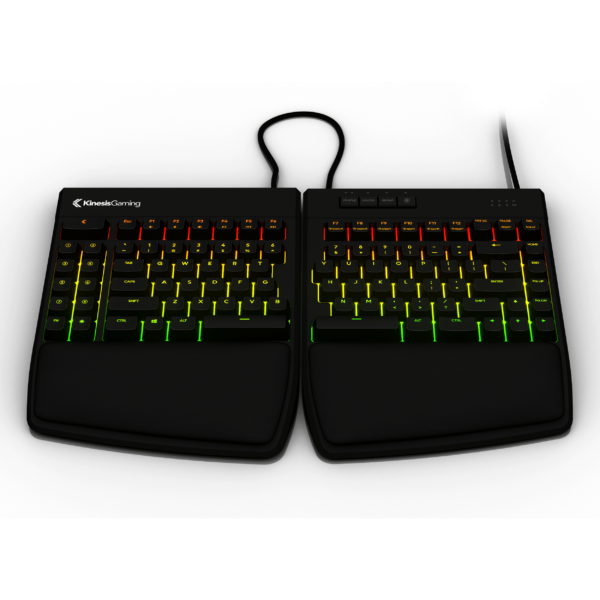
The all-new SmartSet App offers a GUI alternative to onboard programming your Freestyle Edge RGB keyboard. Use the App to configure macros and special key actions, customize lighting effects, modify global keyboard settings and much more.
Use the links below to download the all-new RGB SmartSet App and save it anywhere on your computer.
Downloads
*Update to the latest Keyboard firmware and Lighting Expansion Pack 1 to access Dual Layer Lighting & Base Color Effects for Reactive, Starlight, Rebound, Loop, and Rain.
*Mac Support for Lighting Expansion Pack 1 coming soon.
Accessing the App
To access the SmartSet App, first connect the keyboard’s v-Drive (SmartSet F8) to your PC, then launch the App. Since the Freestyle Edge RGB is driverless, the keyboard does not update in real-time. To implement your new settings first save your changes in the App, and either use the App Refresh shortcut (SmartSet Profile) or simply disconnect the v-Drive (SmartSet F8).
Linux Users
If you are a talented developer, you can access the source code on GitHub and design your own App.



Tonny B –
Five Stars!!