
The Top Ergonomic Tips You Need to
Know
As the need to work from home grows, it is critical to think about the
ergonomics of the spaces we have created. Home office configurations can
range from a dedicated home office with appropriate furniture to a laptop
placed on the kitchen table.
Early in the transition to a home office is an excellent time to review key
ergonomic principles to ensure the success of your home office. An
ergonomically correct office workstation will help you avoid stress and
discomfort, which is something everyone wants.
Improving office ergonomics is simple and provides numerous benefits:
increased employee comfort and productivity equals a lower risk of work-
related injuries. By following the ergonomic tips outlined in this article, you
will be on the road to long-term success.
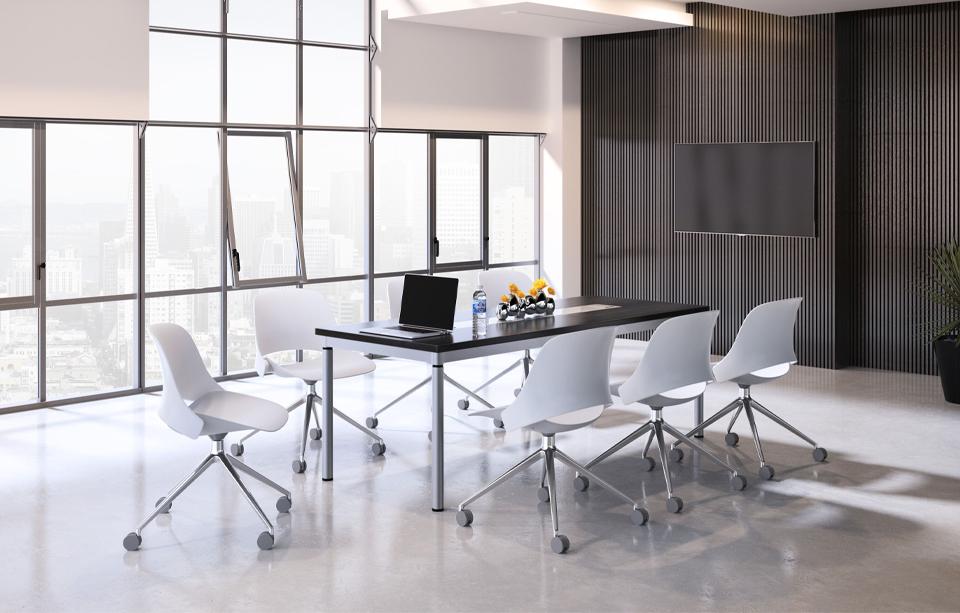
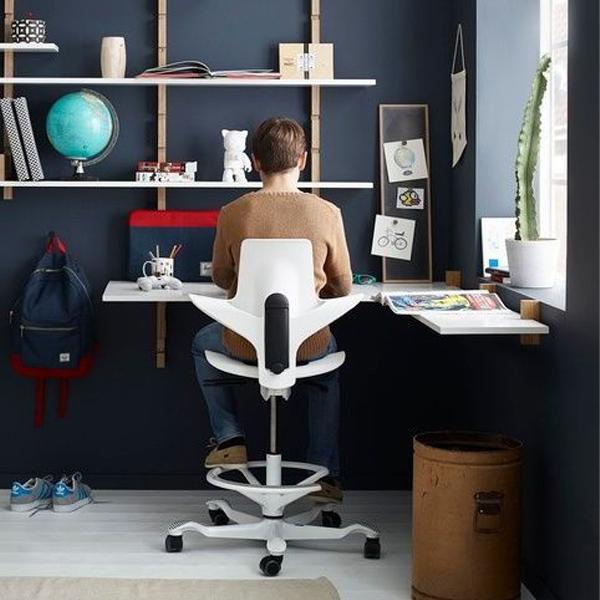
Below are some good sitting tips so that you can reduce pain and improve total body health.
SITTING
- When sitting on a dining chair or something similar, add a seat cushion and back cushion to remove pressure from your legs and support your back.
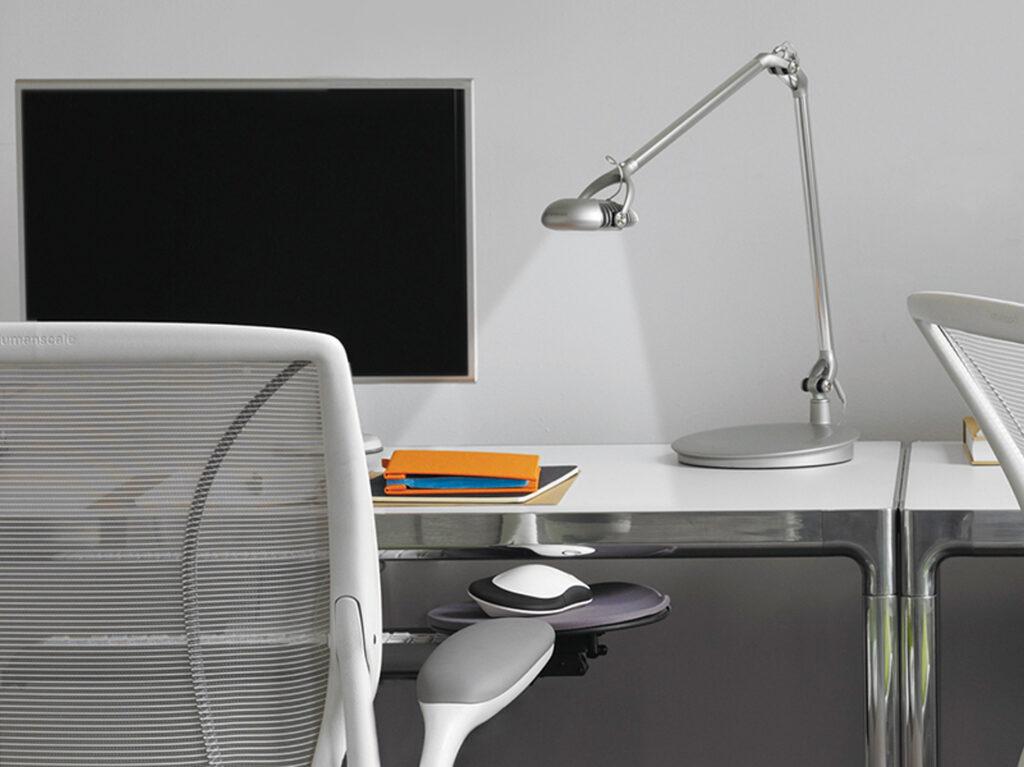
- When reclining, it can be helpful to use a keyboard tray to bring the keyboard and mouse into your lap to minimize reaching.
- Your ankles serve to pump blood back up from your lower leg. Pressure behind the knees impedes blood flow.
STANDING
- Be sure to wear comfortable, supportive, cushioned shoes.
- Further cushion your spine with an anti-fatigue mat.
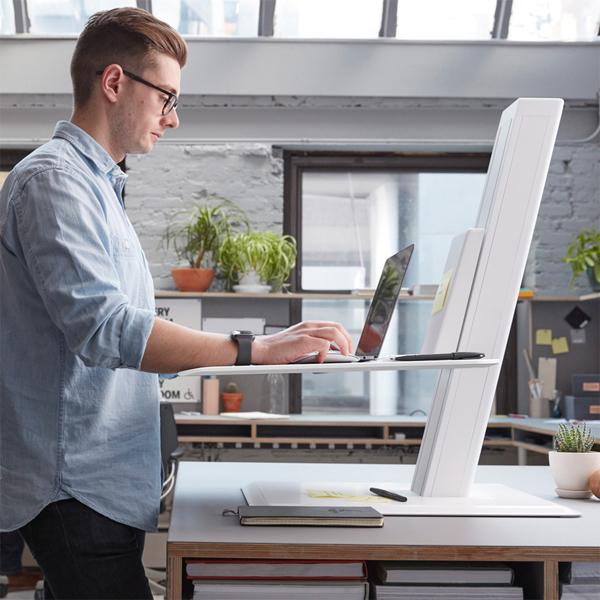
- You may need to readjust your monitors for standing rather than
sitting. - Shift your weight regularly. Consider using a balance board to maintain
movement. - Set the height of your standing desk or desktop riser roughly at elbow
height to maintain good keying posture. - Stretch your body at least once per hour to help reduce injury,
muscular tension and stiffness.
MONITORS
- Avoid placing your monitors off to the side. It creates neck and torso twisting which causes undue stress on your body that can lead to back and neck pain.
- Avoid angling the monitor down towards the worksurface. The angle forces a hunched posture which often leads back, neck and shoulder pain.
- Notebook computers were designed for mobility, not ergonomics. When using a notebook on a desk, raise the monitor and use an external keyboard and mouse.
- Pay attention to your wrists and hands. Carpal tunnel and tendinitis are real and can be avoided.
- Use a soft touch when typing and a keyboard with superior ergonomic tactile experience to decrease unnecessary strain.
- Put a piece of paper on the desktop next to your keyboard and read from it. Notice how your neck feels. Now hold it up next to your monitor, or an upward slanted angle between your keyboard and monitor. Notice how much less than stresses your neck.
- Illuminate reading materials, like printed documents, with ample lighting. As we age, we require exponentially more light to see well especially for reading.
- Give your eyes a break by looking away from your screen and refocus
on something across the room or out the window. - If your keyboard and mouse are not in an ergonomic position the
continual reach will force you to roll your shoulder(s) forward and place
a static load on your muscles, both of which are high risk postures. Use
a narrower keyboard, allowing the mouse to be placed closer.
Your workspace should be personalized to you. It is where you carry out your life’s work. It should support both your well-being and how you work best. The tips above should help you optimize your desk setup so that you have the best work days ever—as well as the energy to have a life outside of work.
CHOICES YOU’LL APPRECIATE
We understand that sitting properly can prove to be somewhat difficult at first, but we’re sure that you’ll have peace of mind when you incorporate the recommendations offered above.

America’s leader in commercial office ergonomics.