Description
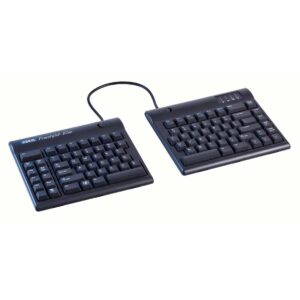
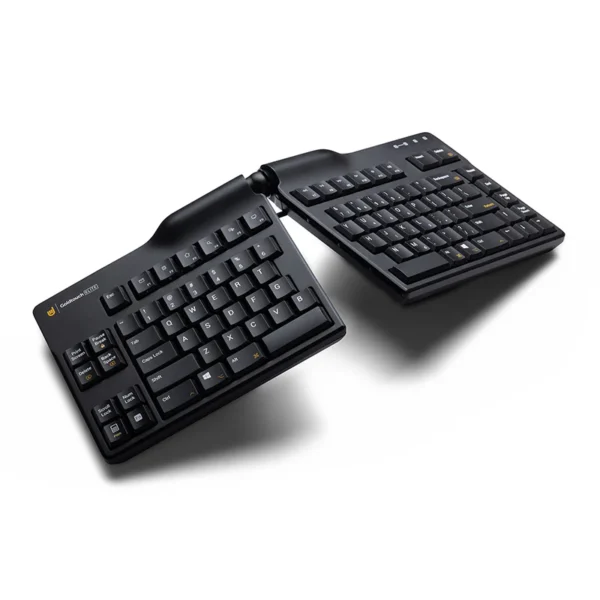
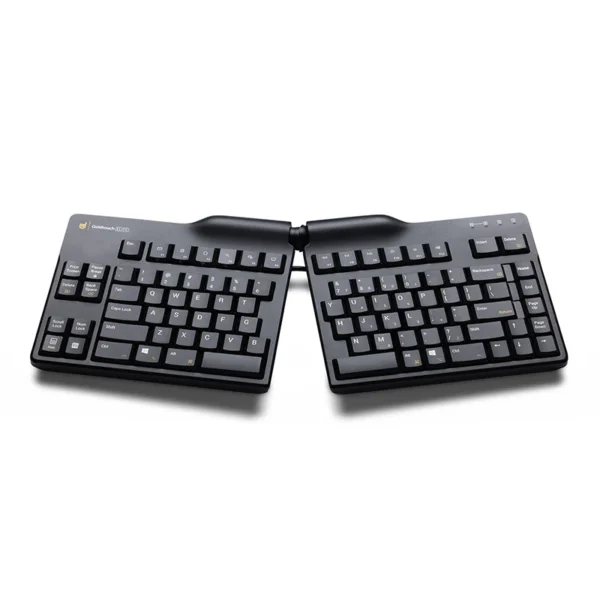
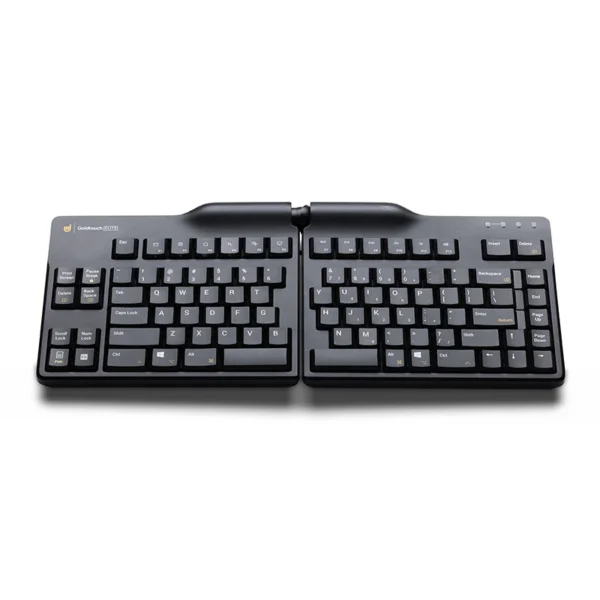
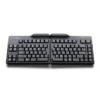
Experience a new level of comfort and efficiency with the Goldtouch Elite Adjustable Ergonomic Keyboard. Designed to fit your unique body and typing style, this keyboard helps reduce the risk of repetitive strain injuries (RSI) by allowing you to type in a more natural position.
Key Features:
- Customizable Comfort: Adjusts from 0-30 degrees on the horizontal plane and 0-60 degrees on the vertical plane, allowing you to find your perfect typing angle.
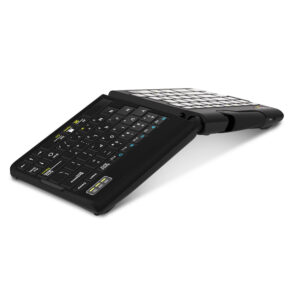
- Easy Adjustments: A new and improved handle with a locking ball and lever joint makes it simple to tent and splay the keyboard to your desired position.
- Cross-Platform Compatibility: A toggle switch on the back of the keyboard allows you to seamlessly switch between PC and Mac operating systems, with dedicated keys for each.
- Durable and Comfortable Keys: The keyboard features half-height, laser-printed keys with a soft touch, requiring minimal activation force to reduce finger fatigue.
- Alternate Layouts: Switch between default and alternate keyboard layouts with a simple toggle, including dedicated keys for copy and paste in the alternate layout.
- Slim and Sleek Design: With a profile that is 0.5 inches thinner than previous models, the Elite keyboard has a minimal aesthetic and is less bulky to use.
- High-Quality Construction: Made from high-grade ABS material for enhanced durability and comfort.
Adjusting Your Elite Keyboard for Optimal Comfort:
- Find Your Natural Angle: Let your arms rest at your sides and extend your hands forward. This is the angle you want to replicate with the keyboard.
- Splay the Keyboard: Press the handle on top of the keyboard and splay the two halves outward until they match the natural angle of your hands.
- Tent the Keyboard: Press the lever again and push the halves up from underneath to create a “tent” shape that aligns with the angle you determined in the first step.
By customizing the keyboard to your body, you can enjoy a more comfortable and productive typing experience, reducing strain on your wrists, hands, and forearms.
Introducing the Goldtouch Elite Keyboard
Goldtouch Elite Keyboard How-To Video